
AnTransform
A downloadable tool
9 Free Scripts for Unity
A collection of simple and flexible animation tools designed for fast and easy use in Unity. Each script can work independently, without additional components or setup, only a Transform (or RectTransform) is required.
Use them individually for simple animations or combine multiple scripts to create more complex and dynamic effects.
All scripts work with 2D, 3D, and UI objects and can be easily configured directly in the Inspector.
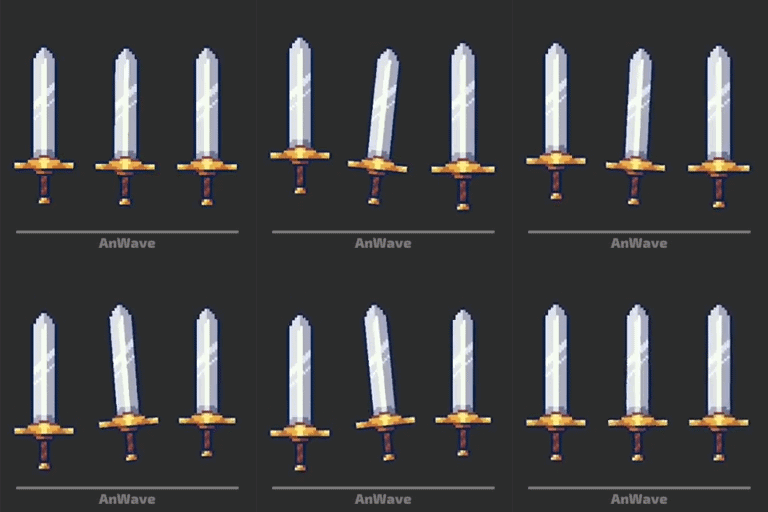 |
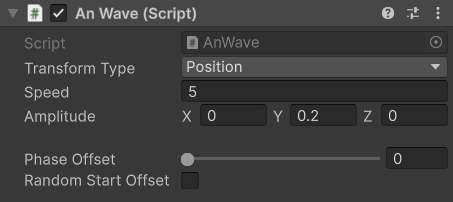
AnWave – smoothly animates the object's Transform using a sine wave * Transform Type - what to animate (Position, Rotation, Scale) * Speed - animation speed * Amplitude - movement range on X/Y/Z Phase Offset is explained at the bottom of the page |
 |
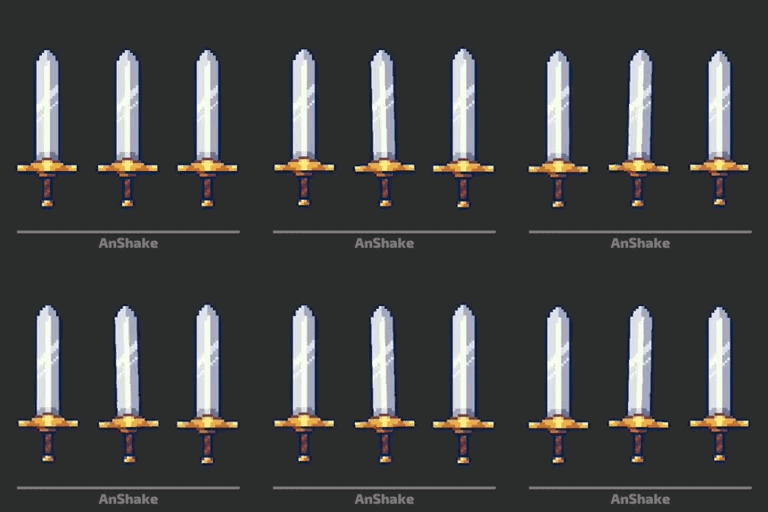 |
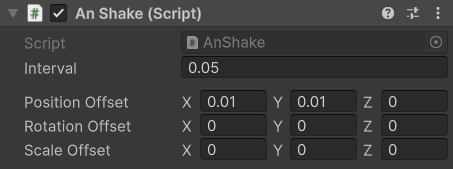
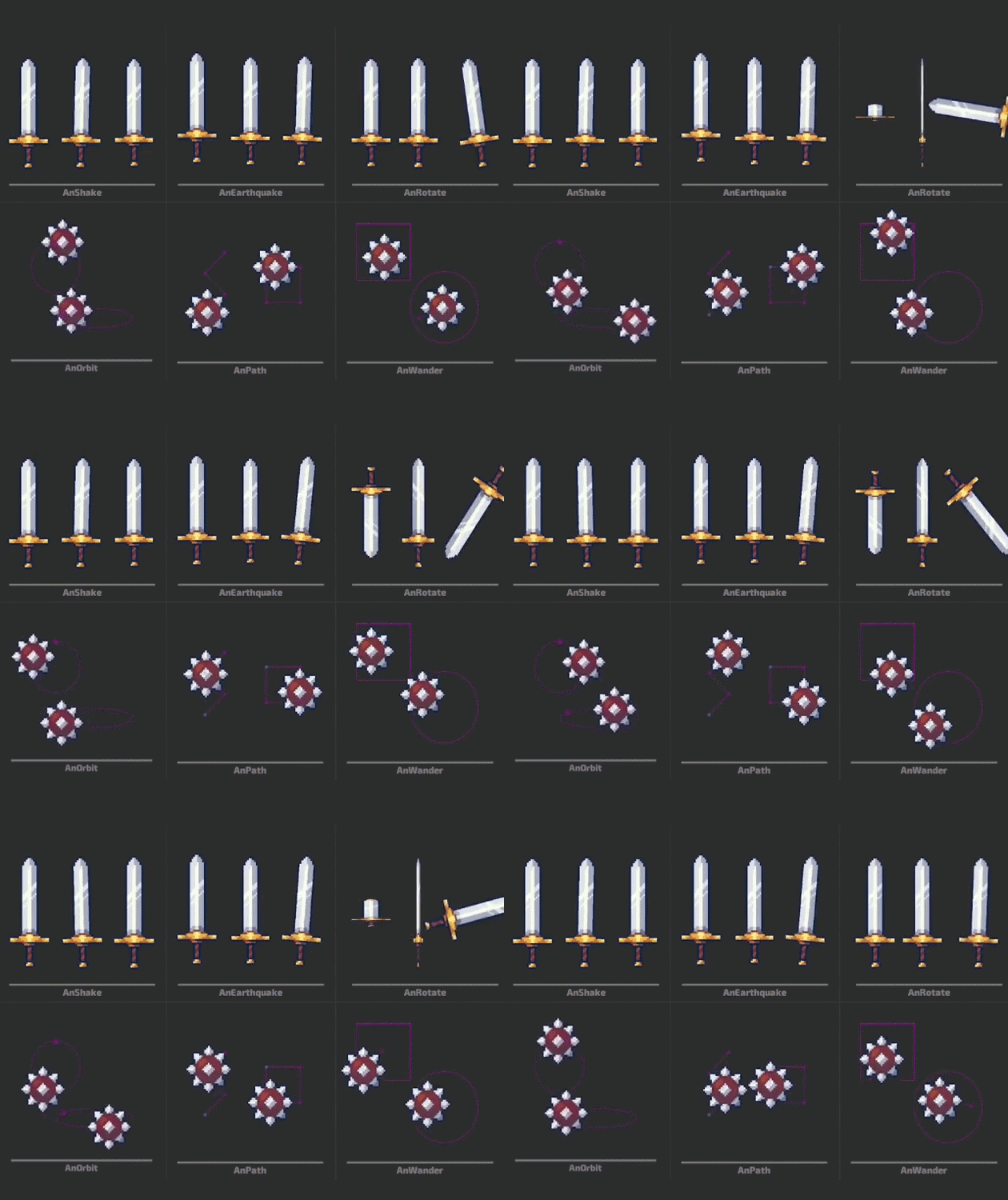
AnShake – switches the object's Transform between two opposite offsets * Interval - time between each switch * Position Offset - position offset on X/Y/Z * Rotation Offset - rotation offset on X/Y/Z * Scale Offset - scale offset on X/Y/Z |
 |
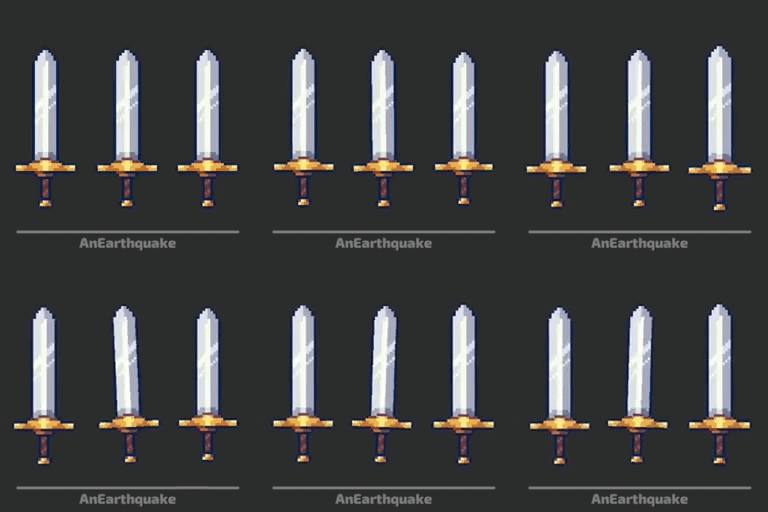 |
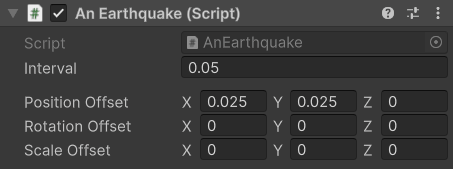
AnEarthquake – randomly offsets the object's Transform within a defined range, creating an earthquake-like effect * Interval - time between each random offset * Position Offset - random position range * Rotation Offset - random rotation range * Scale Offset - random scale range |
 |
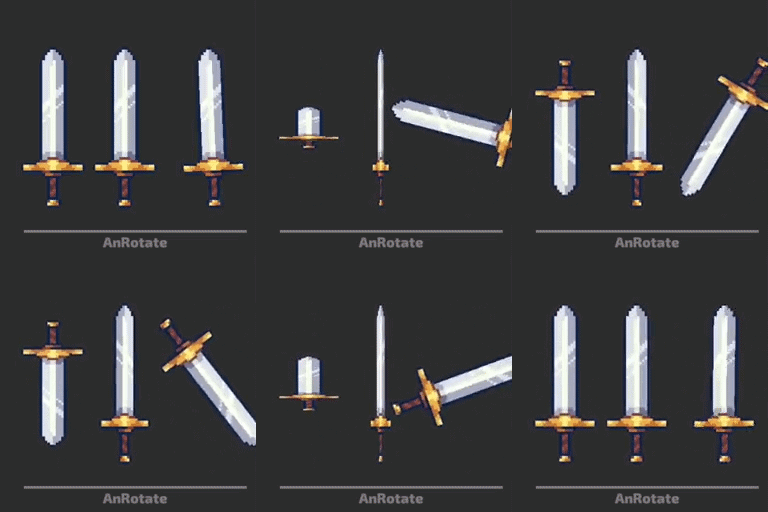 |
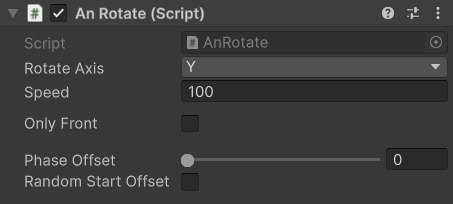
AnRotate – rotates the object around a selected axis * Rotate Axis - axis of rotation (X/Y/Z) * Only Front - limits rotation to an angle of 180, keeping the object facing the camera with the same side(useful for 2D objects). |
|
|
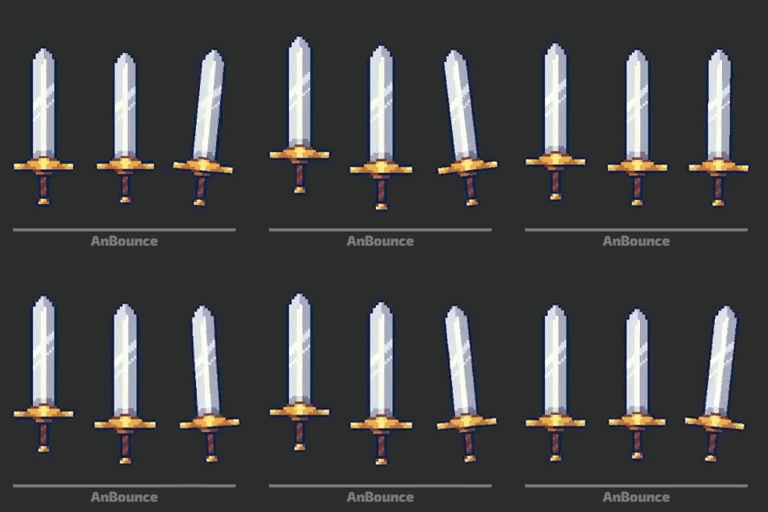
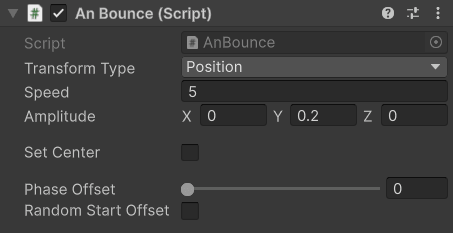
AnBounce – Smoothly moves the Transform of an object, creating a bouncing effect * Set Center - centers the bounce around the object's starting value |
 |
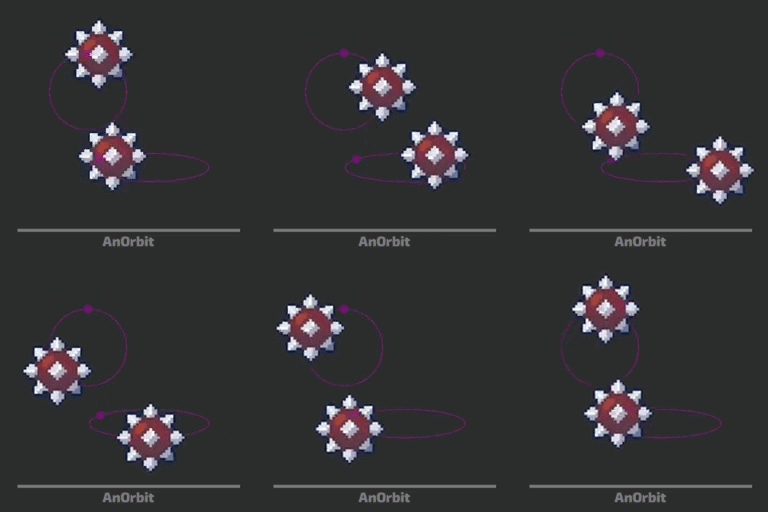 |
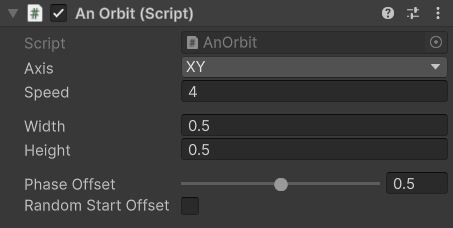
AnOrbit – moves the object in a smooth elliptical orbit around its starting position * Axis - plane of movement (XY, XZ, YZ) * Width - horizontal size of the orbit * Height - vertical size of the orbit |
 |
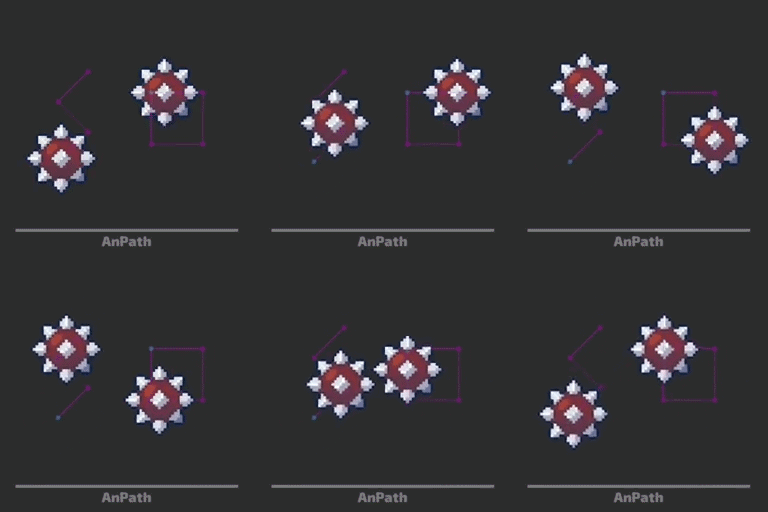 |
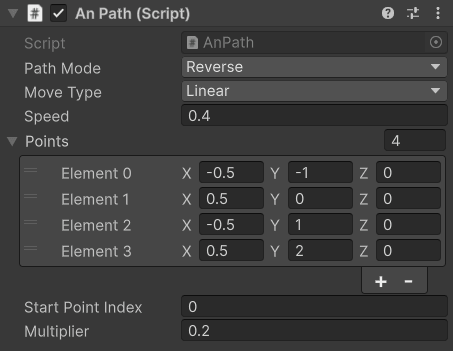
AnPath – moves the object through a custom path made of connected points * Path Mode - movement behavior Reverse -moves back and forth along the path Loop -restarts from the first point after reaching the end Seamless Loop -creates a continuous loop connecting the last point with the first one * Move Type - movement style(Linear or Smooth) * Multiplier - scales the entire path; useful for resizing the path without manually moving all points again |
|
|
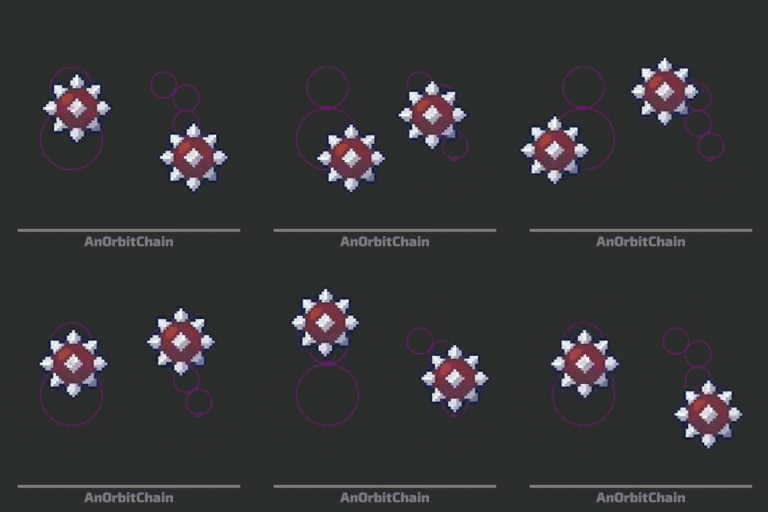
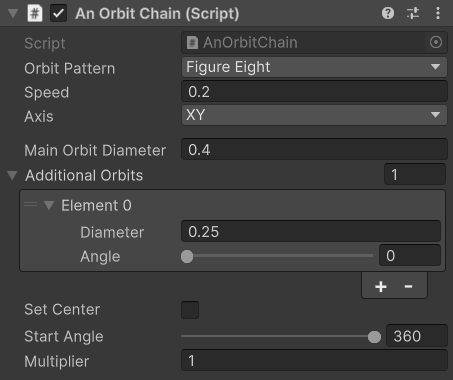
AnOrbitChain – moves the object through a chain of connected circular orbits, creating complex looping paths * Orbit Pattern - movement pattern (Figure Eight or Single Direction) * Main Orbit Diameter - size of the first orbit * Additional Orbits - adds connected orbits; each has aDiameter and Angle * Set Center - centers the entire orbit chain around the object's starting position * Start Angle - starting point on the first orbit |
 |
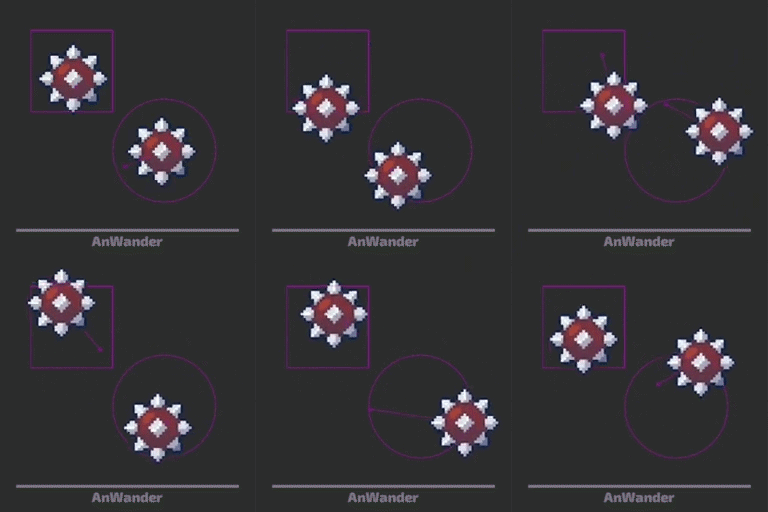 |
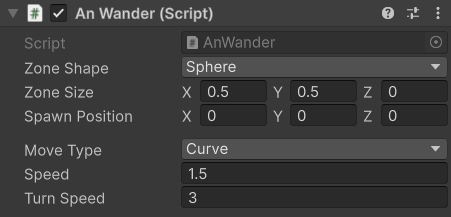
AnWander – makes the object randomly move inside a defined area * Zone Shape - shape of the movement area (Cube or Sphere) * Zone Size - size of the movement area on X/Y/Z * Spawn Position - starting position inside the area * Move Type - movement style (Linear or Curve) * Turn Speed - how smoothly the object changes direction (for Curve mode) |
|
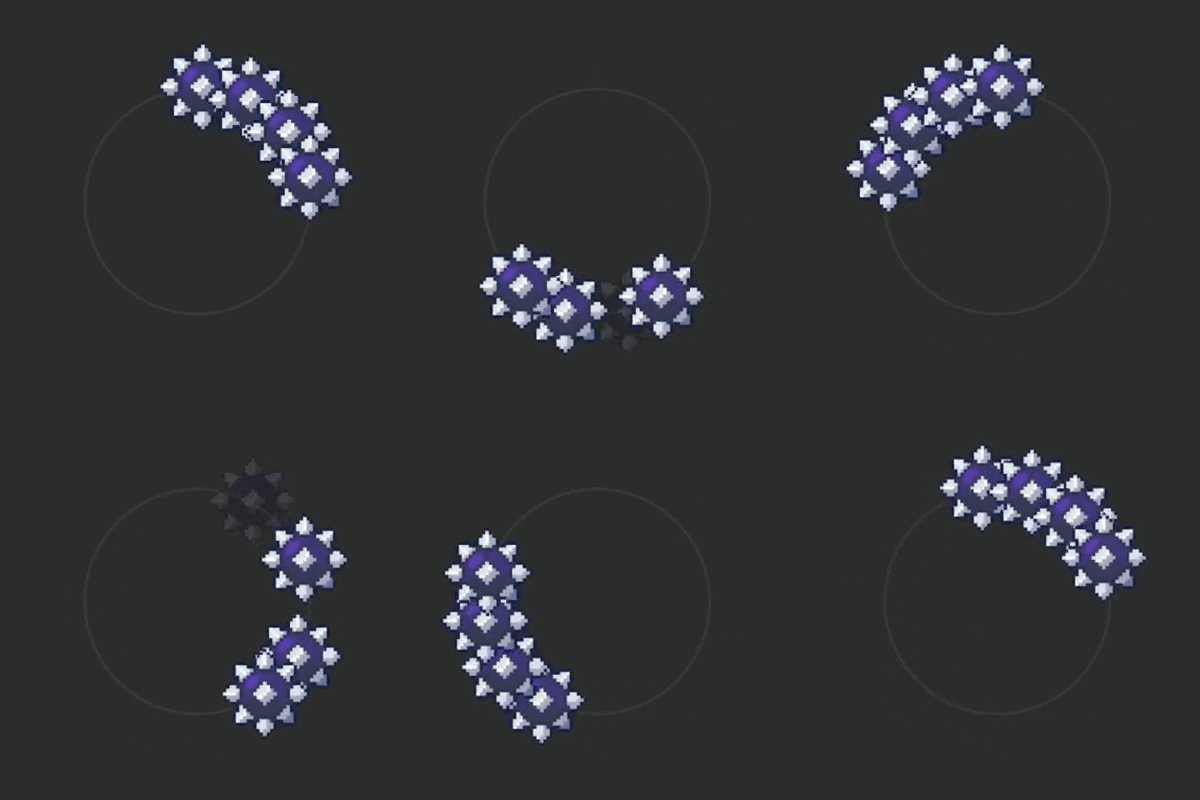
| 🔹 All scripts with Phase Offset are synchronized with the global game timer. This means the animation is based on the current game time rather than the object's active state. If you disable an object and enable it again, its animation will immediately continue from the position it should have at that moment, keeping it synchronized with other objects |
 |
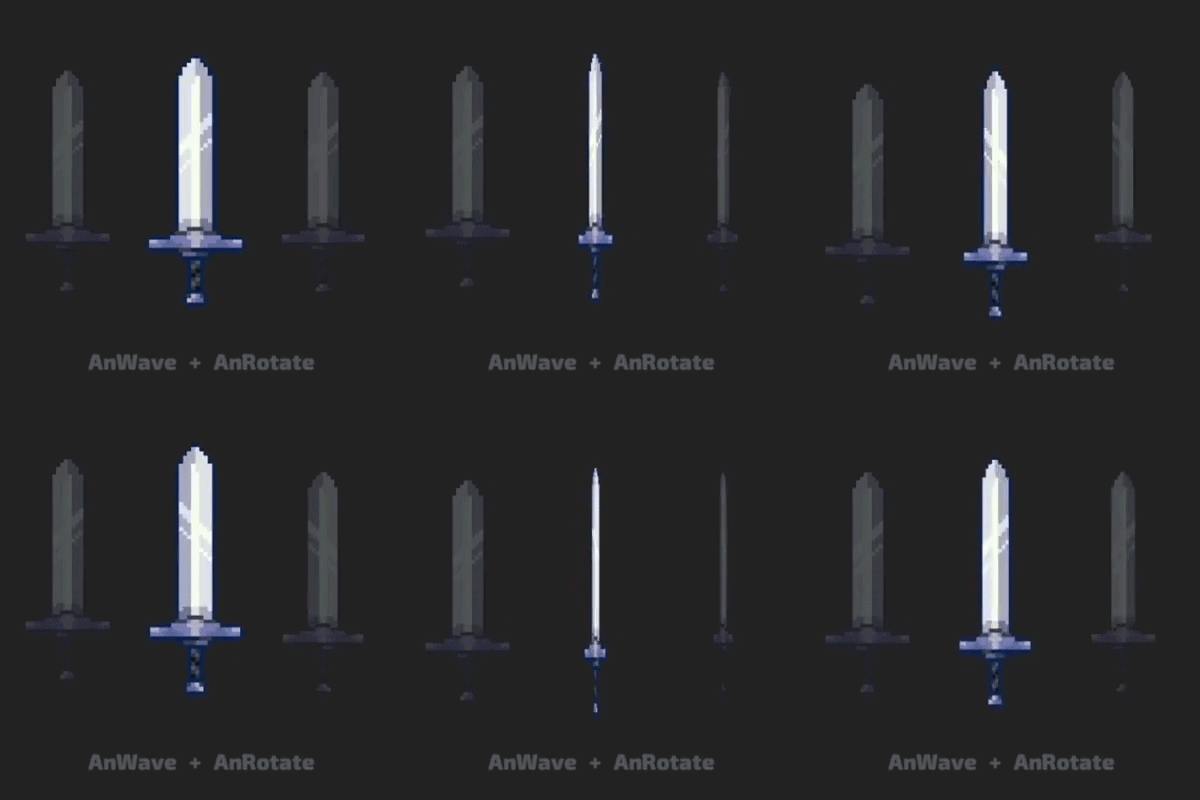
| 🔹 To combine multiple animation scripts, use empty parent objects instead of putting all scripts on the same object. Each parent controls its own animation, and the child object inherits all transformations AnRotate └ ─ AnWave └ ─ Your Object |
 |
| 🔹 Different Phase Offset values allow multiple objects to follow the same animation at different points in time. This makes it possible to create coordinated patterns, such as a smooth wave moving through a row of objects. Because Phase Offset is a public value, it can be set before the game starts or changed during gameplay using the Inspector or other scripts. This makes it useful for creating dynamic and synchronized animations |
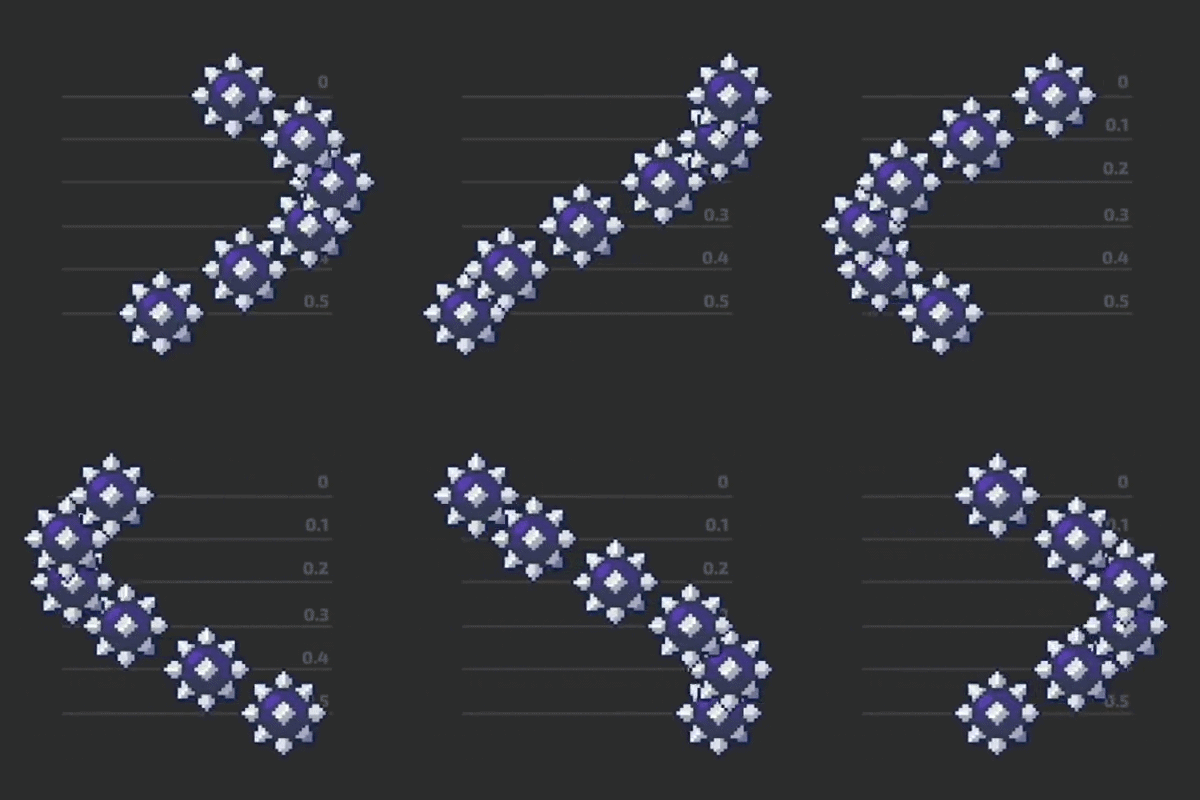 |
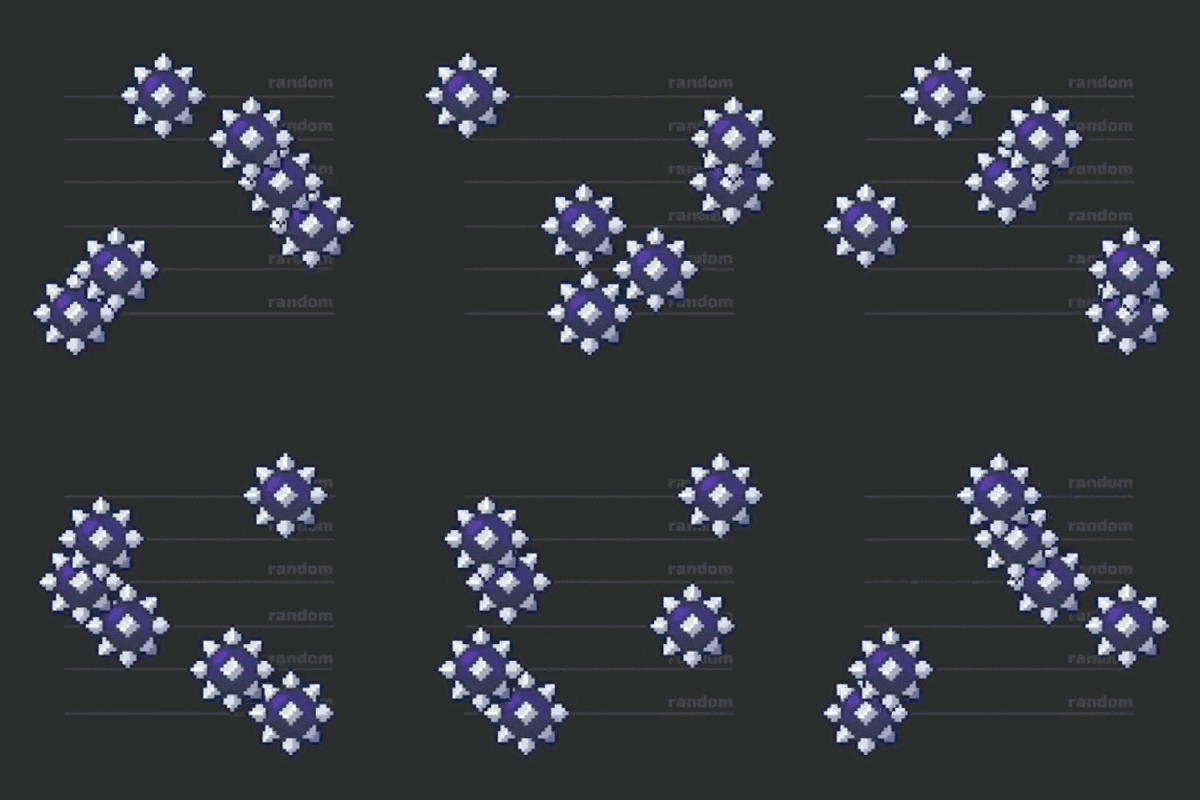
🔹Random Start Offset gives each object a random Phase Offset when the animation starts. This creates a more natural and irregular movement instead of a synchronized pattern. The random value is generated only at the start and can still be changed later in the Inspector or through another script |
 |
| 🔹All animation scripts use the "An" prefix, making them easy to find in Unity's Add Component search. Simply type An to quickly see all available animation scripts and choose the one you need 🔍 | 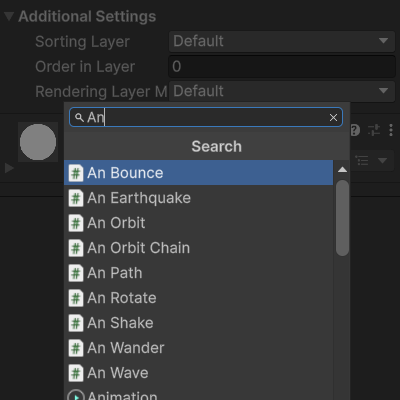 |
💼 LICENCE:
- This asset pack can be used in both free and commercial projects
- You can modify it to suit your own needs
- No attribution required

Download
Click download now to get access to the following files:
Leave a comment
Log in with itch.io to leave a comment.